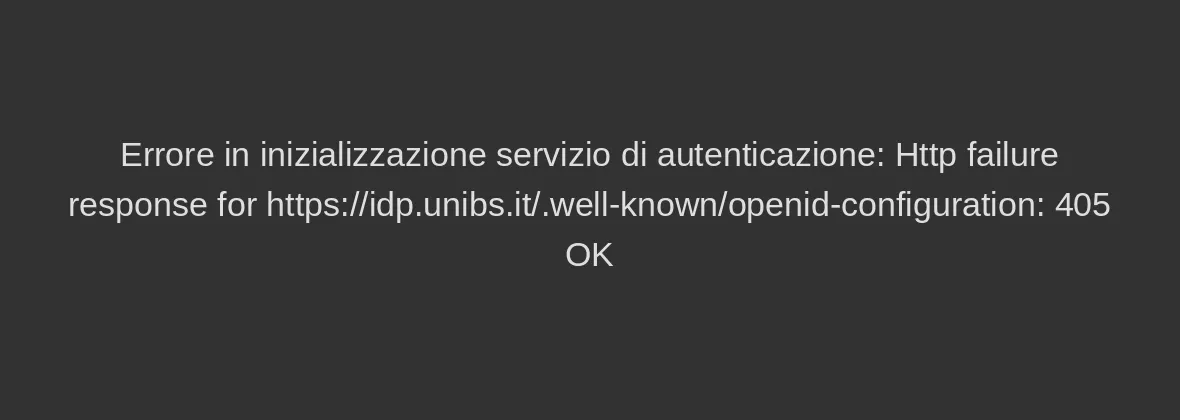
What can I do to fix error 405?
If you access from an unsafe location, you may receive the following error: "Authentication service initialization error: http failure 405 OK".
This error is due to an automatic and temporary restriction on risky IP addresses.
These IP addresses are automatically blocked (by Cineca and/or Amazon AWS) for reasons generally related to suspicious/fraudulent activity carried out from that IP in the recent past.
Unfortunately, if users connect via public Wi-Fi, they are more likely to end up using blocked IP addresses without realizing it.
For this reason, we recommend using a VPN (which is usually private) or a residential/home internet connection, so as to avoid IP addresses that could be used by anyone.
To resolve the issue, you need to:
- connect from an IP address considered safe;
- use a VPN (other than the unibs one).
A free VPN is the one provided by Firefox: Mozilla VPN can be downloaded here.
The procedure consists of downloading and installing Mozilla VPN. After installation, you need to restart Firefox: upon restart, a "VPN" icon will appear, which you can click and select "Activate VPN".
WARNING! The service is free only up to 50 GB; once this quota is reached, the service will stop working.